custom_library <- "/fs/scratch/PAS2250/ENT6703/share/rlib"
.libPaths(custom_library)
library(tidyverse, lib.loc = custom_library)
library(hexbin, lib.loc = custom_library)
library(patchwork, lib.loc = custom_library)
library(RSQLite, lib.loc = custom_library)R homework
R homework for the week 4 lab
If you have limited or no experience with R, I highly recommend that you go through part of the Data Carpentry “Data Analysis and Visualisation in R for Ecologists” lesson.
At least make your way through:
If you have time, then you can also go through:
- Episode 3 (data frames) — until (not including) the “Formatting dates” section.
- Episode 4 (tidyverse) — until (not including) the “Split-apply-combine” section.
- Episode 5 (ggplot) — until (not including) the “Arranging plots” section.
You can do this homework either with your own R & RStudio installation (the Carpentry lesson contains installation instructions), or use RStudio at OSC (see the instructions below).
If you run into any issues when going through this material, or just have questions, don’t hesitate to email Jelmer.
Not sure if you know enough R to skip this?
The best way to find out is to take a look at the material!
Start an RStudio session at OSC
In case you want to use RStudio at the Ohio Supercomputer Center (OSC) for your homework, follow these instructions to get started:
Log in to OSC at https://ondemand.osc.edu
Click on
Interactive Apps(top bar) and thenRStudio Server(all the way at the bottom)Fill out the form as follows:
- Cluster:
Pitzer - R version:
4.3.0 - Project:
PAS2250 - Number of hours:
4 - Node type:
any - Number of cores:
2
- Cluster:
Click to see a screenshot
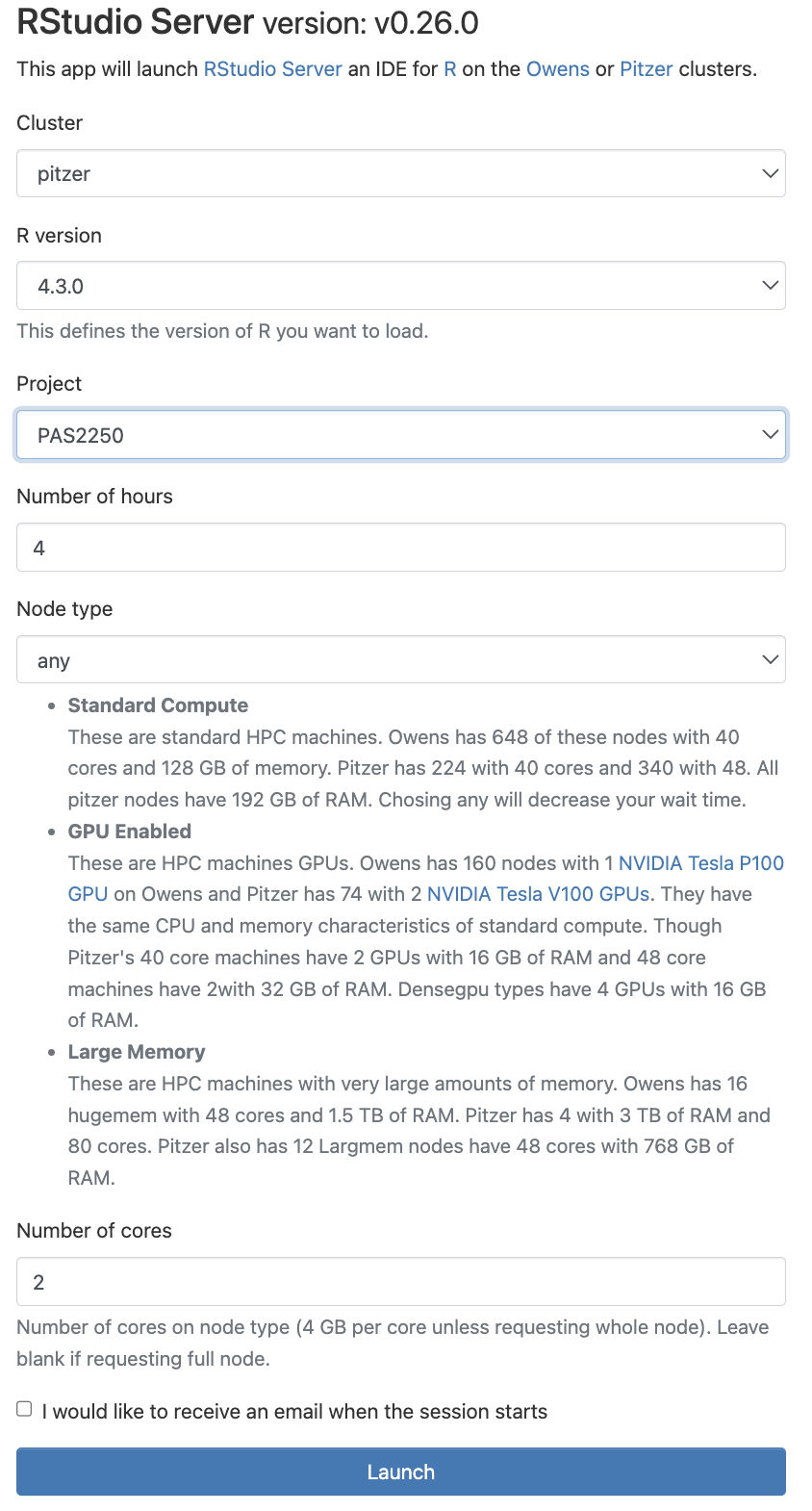
Click the big blue
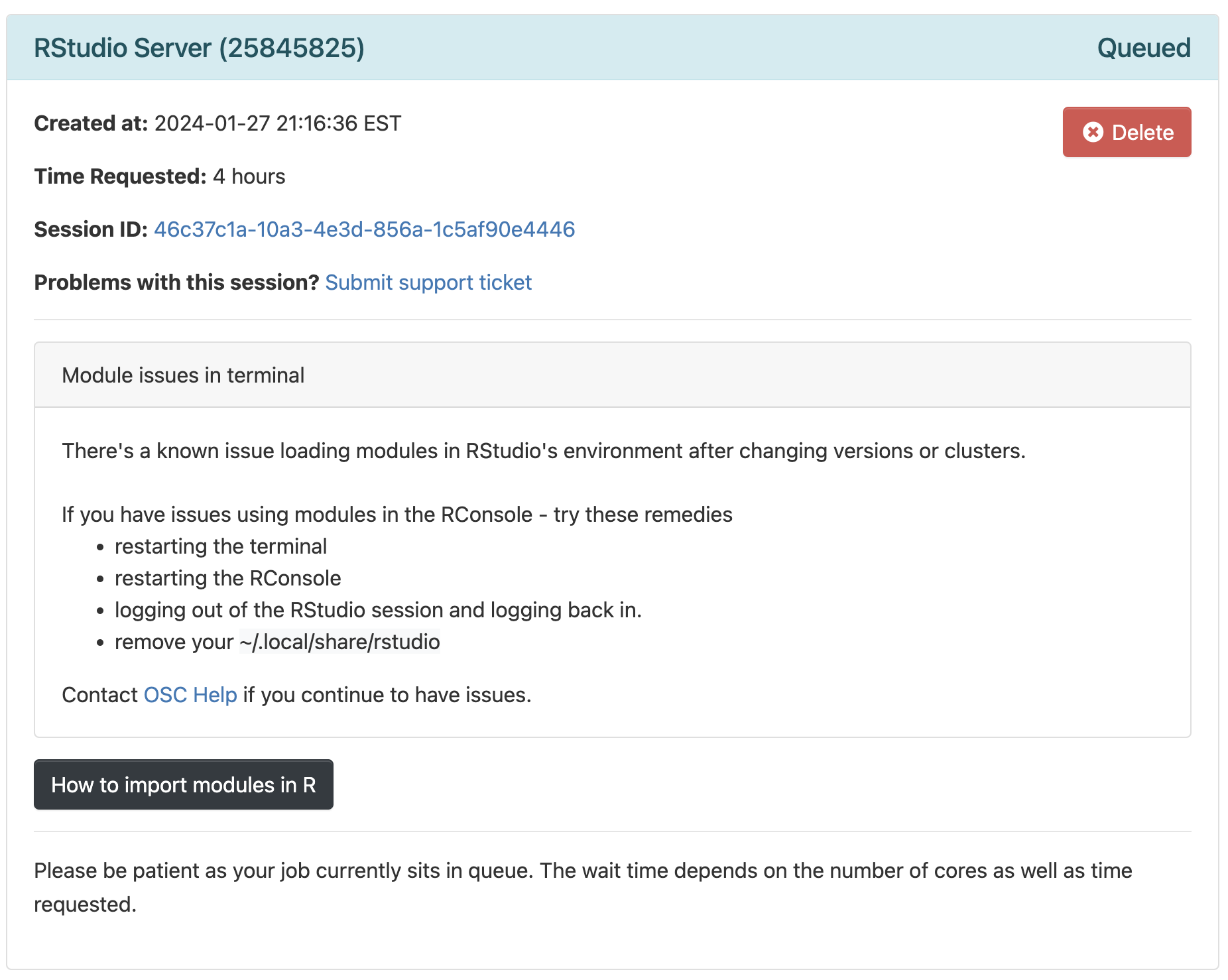
Launchbutton at the bottomNow, you should be sent to a new page with a box at the top for your RStudio Server “job”, which should initially be “Queued” (waiting to start).
Click to see a screenshot
- Your job should start running very soon, with the top bar of the box turning green and saying “Running”.
Click to see a screenshot
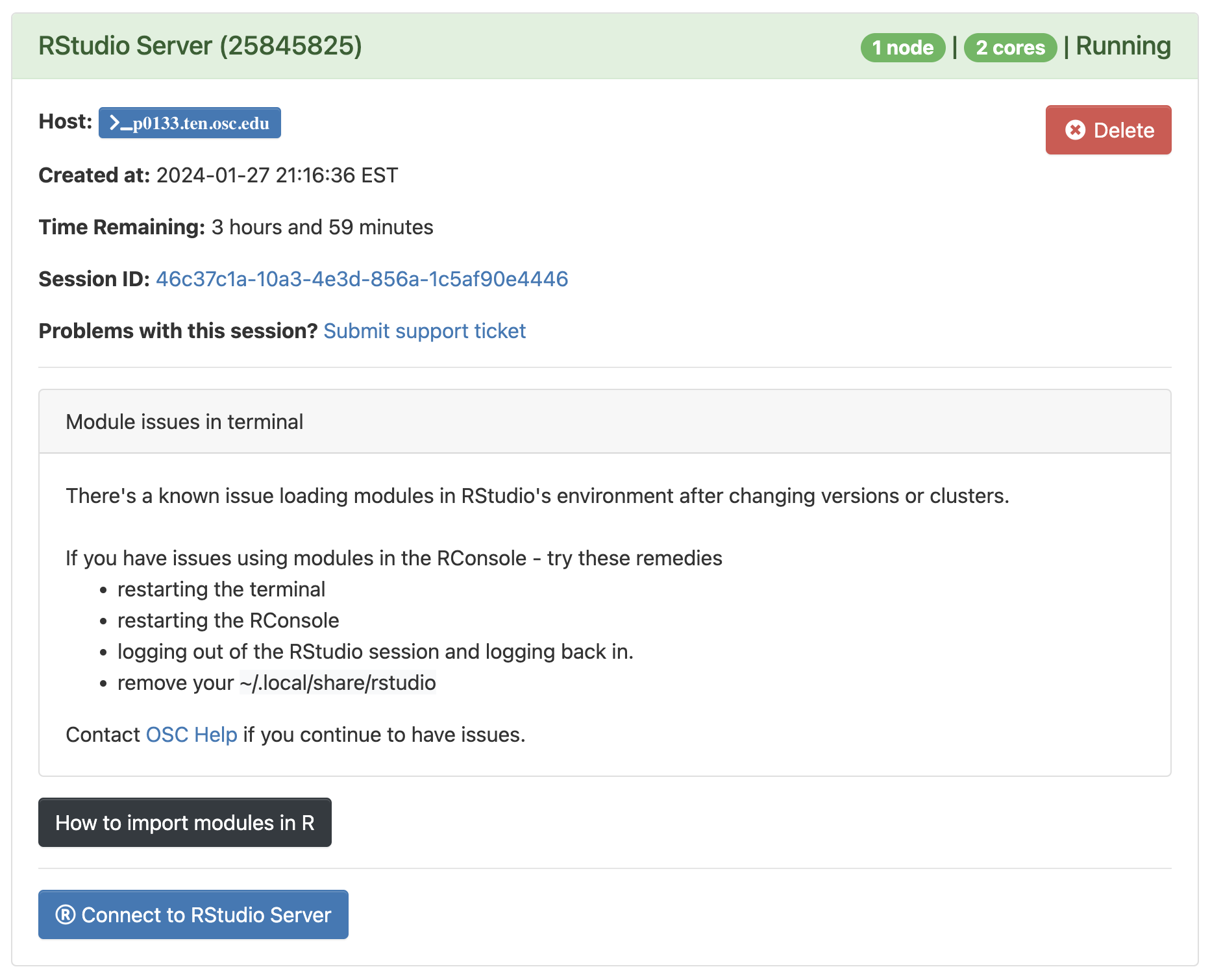
- Click
Connect to RStudio Serverat the bottom of the box, and an RStudio Server instance will open in a new browser tab. You’re ready to go!
Having trouble installing the tidyverse package?
If you are using RStudio at OSC and the installation of the tidyverse package (or another package) with install.packages() fails, please load the packages that the Carpentries lesson uses as follows (no installation needed):